
Start here
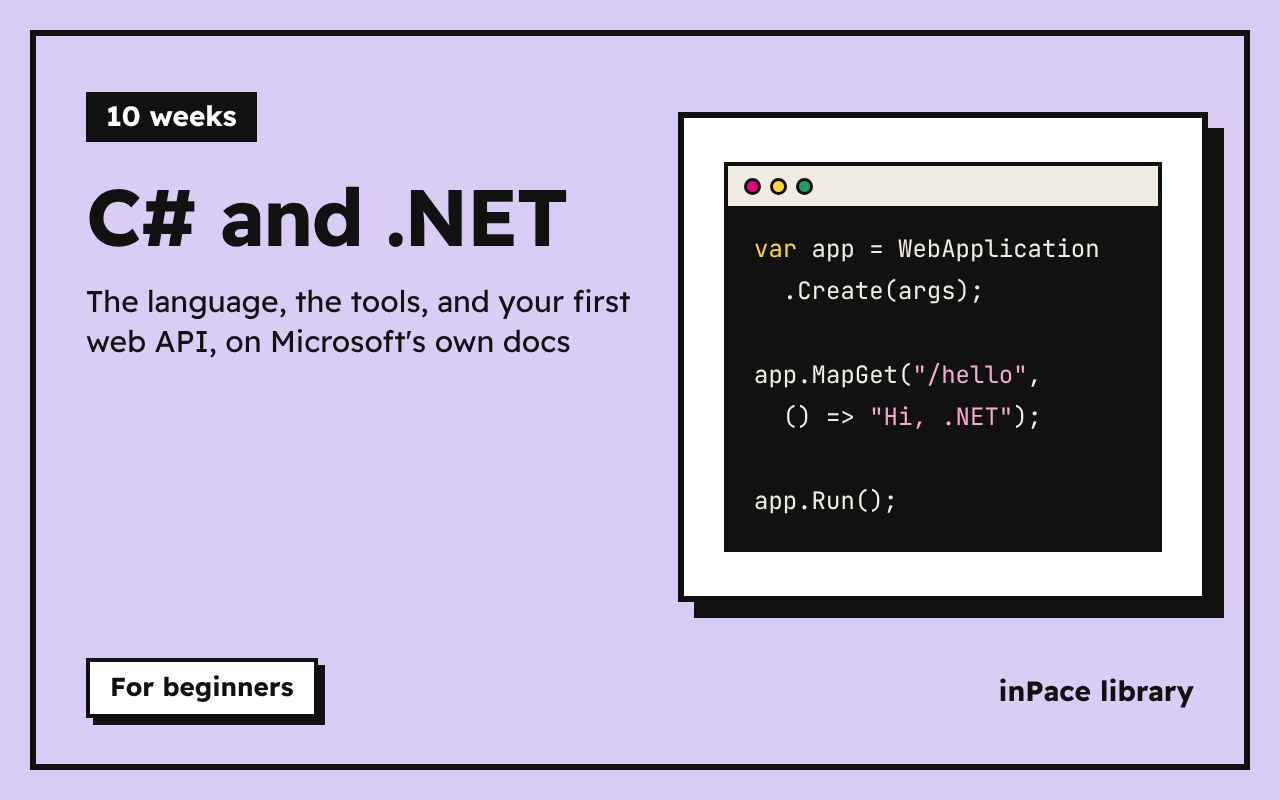
C# (say "C sharp") is a modern, typed language made by Microsoft. .NET is the free, open-source platform it runs on, on Windows, Mac and Linux. Together they build web APIs and websites, desktop and mobile apps, cloud services and games (Unity uses C#).
How this course works
- Written lessons are the core. They follow Microsoft's own C# documentation, which is the most accurate and up-to-date source there is.
- Videos are optional. Most written lessons have a piece of freeCodeCamp's Learn C#: Full Course with Mini-Projects on top, showing the same ideas being coded. Watch it if it helps; the text alone is enough.
- Each module ends with a program to write, a question, and a quiz.
- The last two modules go beyond the video: real .NET projects, packages, tests, and your first web API.
Your plan: 10 weeks, about an hour a day
| Week | Module |
|---|---|
| 1 | Getting started |
| 2 | Types, variables and operators |
| 3 | Input, decisions and loops |
| 4 | Strings |
| 5 | Arrays, lists and dictionaries |
| 6 | Methods |
| 7 | Errors and debugging |
| 8 | Classes and structs |
| 9 | .NET projects, packages and tests |
| 10 | Your first web API |
Install the tools
- Install the .NET SDK (the newest LTS version) from dotnet.microsoft.com/download.
- Pick an editor: VS Code with the C# Dev Kit extension (any system), or Visual Studio Community (free, Windows; the video uses it).
- Check it works, then make and run your first program:
dotnet --version
dotnet new console -o Hello
cd Hello
dotnet run
You should see Hello, World!. Prefer to try without installing? Microsoft's interactive Hello world tutorial runs in the browser.