inPace
All coursesكل الدورات

GitHub: pull requests, the CLI and Actions

  • about 9 h of lessonsحوالي 9 ساعة من الدروس
  • 7 modulesوحدات · 19 lessonsدروس
  • Englishالإنجليزية

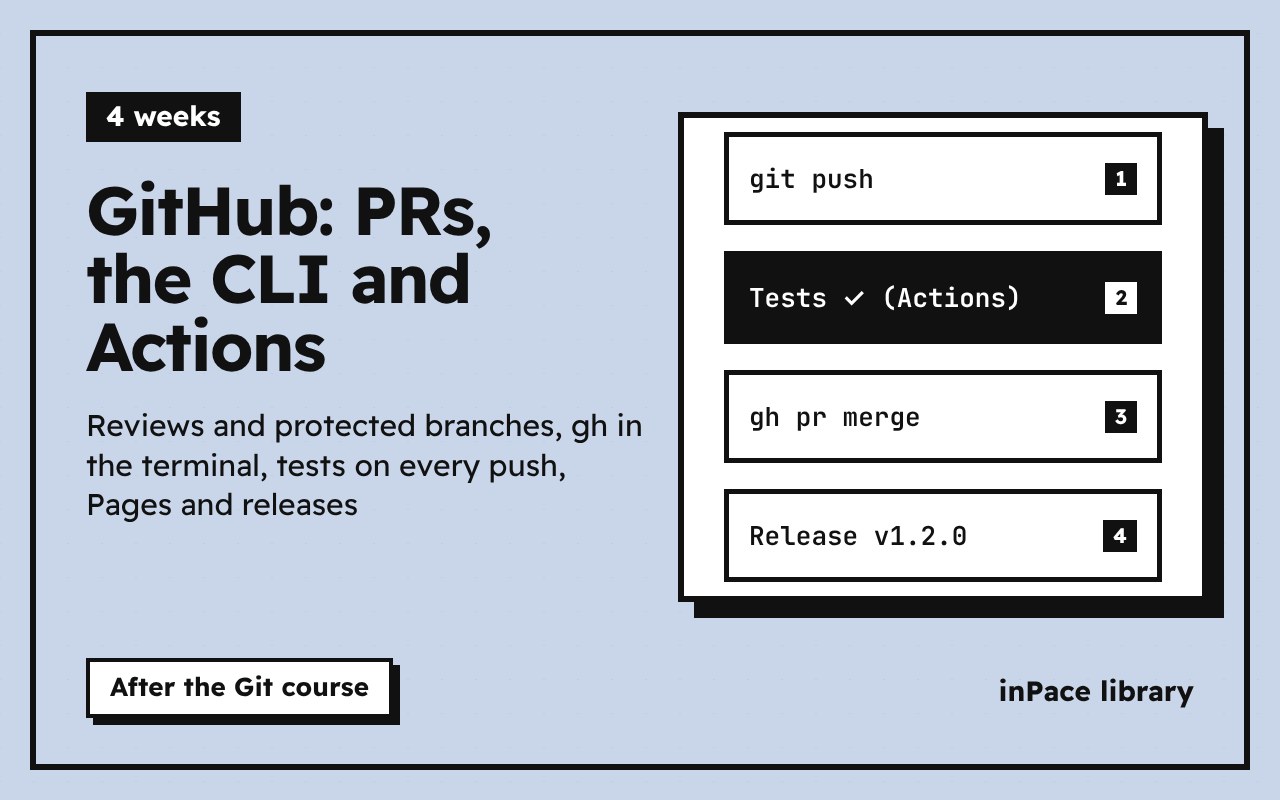
Work on GitHub like a professional team. Issues and projects, pull requests and code review, merge methods and protected branches, the GitHub CLI (gh) for everything from the terminal, and GitHub Actions: tests on every push, caching, artifacts, secrets, safe permissions, publishing a site with Pages and releases from tags, Dependabot, your own actions and reusable workflows. You finish with a full pipeline on a real project. Every workflow in the course is checked with actionlint.

byمن إعداد inPace checkedموثّق

githubgitgithub actionsci/cddevopscli

On these roadmaps:ضمن هذه المسارات: Git and GitHub, from zero to pro, Front-end web developer, Build inPace yourself

What's insideمحتوى الدورة

Each module ends with tasks. The next module opens when they're done.تنتهي كل وحدة بمهام، وتُفتح الوحدة التالية عند إنجازها.

  1. GitHub beyond the code 2 lessonsدروس · 50 min د
    • Start here: a tour of a repository25 min د
    • Issues, labels and projects25 min د
    Practical taskمهمة عمليةExplain in your wordsاشرح بكلماتكQuizاختبار · 4 questionsأسئلة
  2. Pull requests and reviews 3 lessonsدروس · 90 min د
    • The pull requestYouTubeيوتيوب30 min د
    • Reviewing code30 min د
    • Merging, and protecting main30 min د
    Practical taskمهمة عمليةExplain in your wordsاشرح بكلماتكQuizاختبار · 4 questionsأسئلة
  3. The GitHub CLI 3 lessonsدروس · 90 min د
    • Install gh and sign in20 min د
    • Repositories, issues and pull requests from the terminal40 min د
    • Releases, the API and aliases30 min د
    Practical taskمهمة عمليةExplain in your wordsاشرح بكلماتكQuizاختبار · 4 questionsأسئلة
  4. GitHub Actions: your first workflow 3 lessonsدروس · 85 min د
    • What Actions areYouTubeيوتيوب25 min د
    • Write, run and read a workflowYouTubeيوتيوب35 min د
    • Events, runners and the scheduleYouTubeيوتيوب25 min د
    Practical taskمهمة عمليةExplain in your wordsاشرح بكلماتكQuizاختبار · 4 questionsأسئلة
  5. Continuous integration: tests on every push 2 lessonsدروس · 65 min د
    • A test workflow35 min د
    • Faster and smarter runs: cache, artifacts, filters30 min د
    Practical taskمهمة عمليةExplain in your wordsاشرح بكلماتكQuizاختبار · 4 questionsأسئلة
  6. Publishing and security 3 lessonsدروس · 95 min د
    • Secrets, variables and the token30 min د
    • Publish a site and a release35 min د
    • Keep your workflows safe30 min د
    Practical taskمهمة عمليةExplain in your wordsاشرح بكلماتكQuizاختبار · 4 questionsأسئلة
  7. Project: a full pipeline 3 lessonsدروس · 90 min د
    • Project: Study Tasks, from push to production50 min د
    • Your own action, and reusing workflows30 min د
    • Where to go nextoptionalاختياري10 min د
    Practical taskمهمة عمليةExplain in your wordsاشرح بكلماتكQuizاختبار · 4 questionsأسئلة

Read a lesson firstاقرأ درسًا أولًا

Start here: a tour of a repository

This course is the second half of Git: working on GitHub with other people, from the terminal, and letting robots test and publish your work. It assumes you know commits, branches and push (the Git from zero to master course, modules 1 to 5).

Module What you learn
1 A repository's pages, README, issues and projects
2 Pull requests, reviews, merge methods and protected branches
3 The GitHub CLI (gh)
4 GitHub Actions: your first workflow
5 Continuous integration: tests on every push
6 Publishing and security: Pages, releases, secrets, permissions
7 Project: a full pipeline for a real app

About 4 weeks at 3 to 4 hours a week.

The tabs of a repository

  • Code: the files, the branches (the branch menu), the history (the clock icon), and the README shown below the files.
  • Issues: the to-do list: bugs, ideas, questions.
  • Pull requests: proposed changes waiting for review.
  • Actions: the robots: tests, builds, deploys.
  • Projects: boards to plan the work.
  • Settings: visibility, collaborators, branch rules, Pages, secrets.

Press . (the dot key) on any repository and a full VS Code opens in the browser (github.dev). Press t to find a file by name, and y on a file to get a link that never changes, pinned to the current commit.

A good README

The README is the front page. It answers, in this order: what is this (one sentence and a screenshot), how to use it (install, run), how to help (link to CONTRIBUTING.md), and the license. GitHub writes it in Markdown:

# Study Tasks

Plan what you study, tick it off, see the minutes left.

![Screenshot](docs/screenshot.png)

## Run it

```bash
npm test
```

> [!TIP]
> Works offline: tasks stay in your browser.

| Feature | Status |
|---|---|
| Tasks | done |
| Sync | planned |

Licenseالرخصة: CC-BY-4.0 · Updatedآخر تحديث 2026-11-14

Written by inPace. Optional videos: freeCodeCamp.org (Git for Professionals, made with Tower) and TechWorld with Nana (GitHub Actions Tutorial), on YouTube.

Add to inPaceأضف إلى inPace